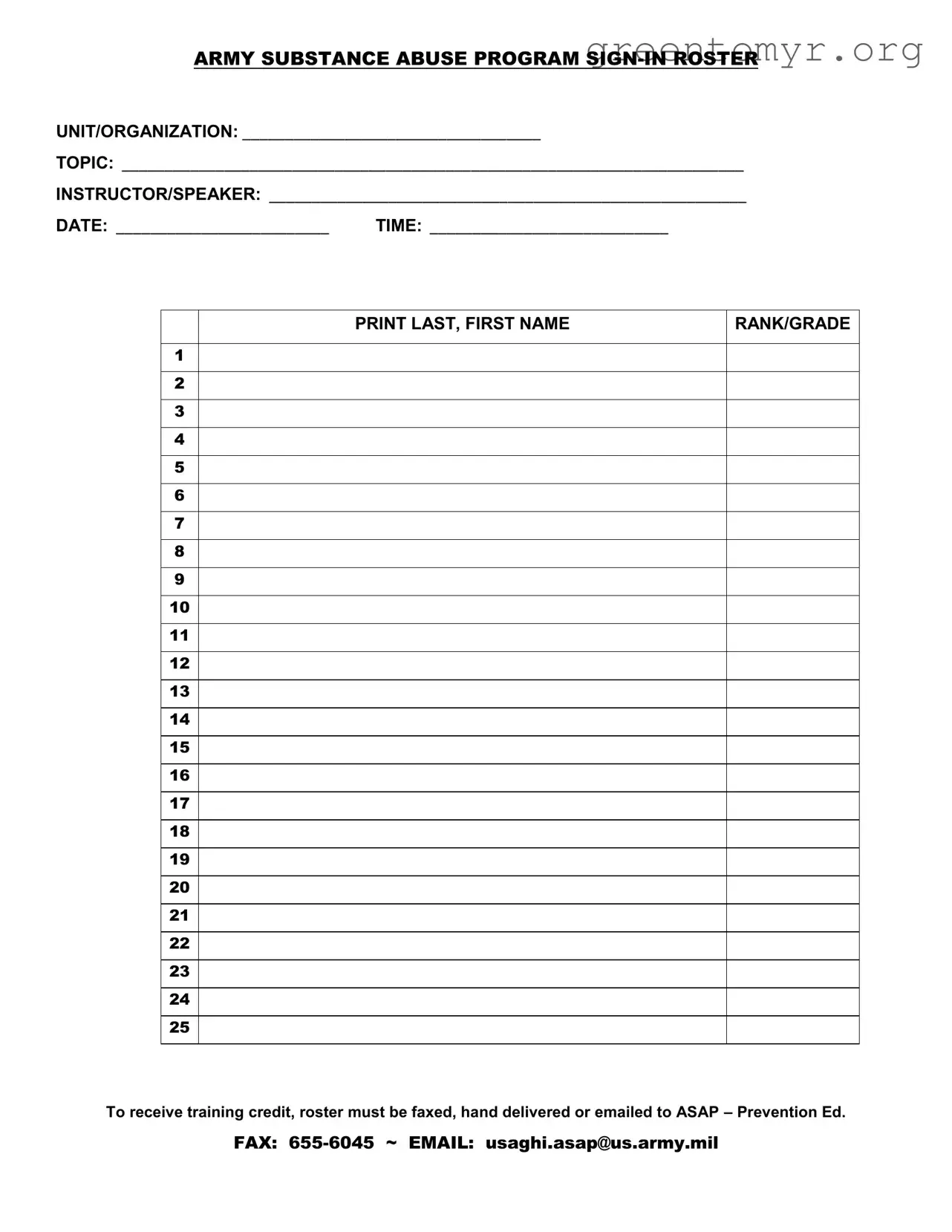
The Sign In Roster form serves a crucial role in the Army Substance Abuse Program by tracking attendance at training sessions. This form captures essential information, including the unit or organization, the specific topic being discussed, and details about the instructor or speaker. It also includes the date and time of the training, ensuring that all relevant data is recorded for future reference. Attendees are required to print their last and first names, along with their rank or grade, providing a clear record of who participated in the session. Proper completion of the roster is vital, as it not only verifies attendance but also ensures that participants receive the necessary training credit. To maintain compliance with program requirements, the completed roster must be submitted promptly via fax, hand delivery, or email to the designated contact at the Army Substance Abuse Program. The fax number and email address are provided for convenience, streamlining the process of documentation and record-keeping.

ARMY SUBSTANCE ABUSE PROGRAM
UNIT/ORGANIZATION: ___________________________________
TOPIC: _________________________________________________________________________
INSTRUCTOR/SPEAKER: ________________________________________________________
DATE: _________________________ |
TIME: ____________________________ |
1
2
3
4
5
6
7
8
9
10
11
12
13
14
15
16
17
18
19
20
21
22
23
24
25
PRINT LAST, FIRST NAME
RANK/GRADE
To receive training credit, roster must be faxed, hand delivered or emailed to ASAP – Prevention Ed.
FAX:
| Fact Name | Details |
|---|---|
| Form Purpose | The Sign In Roster is used to document attendance at Army Substance Abuse Program training sessions. |
| Unit/Organization | The form requires the name of the unit or organization conducting the training. |
| Instructor/Speaker | It includes a section to list the name of the instructor or speaker leading the session. |
| Date and Time | The form must specify the date and time of the training session. |
| Attendance Tracking | Participants must print their last and first names along with their rank or grade. |
| Submission Method | The completed roster must be faxed, hand-delivered, or emailed to the ASAP Prevention Education office. |
| Contact Information | Fax and email information for submission is provided: FAX: 655-6045, EMAIL: [email protected]. |
| Governing Law | This form is governed by Army regulations related to substance abuse prevention and training. |
Completing the Sign In Roster form is essential for documenting attendance at training sessions. Once filled out, this form ensures that participants receive the necessary credit for their involvement. Follow the steps below to accurately fill out the form.
The Sign In Roster form is used to document attendance for training sessions related to the Army Substance Abuse Program (ASAP). This ensures that participants receive proper credit for their involvement in these essential training activities. By keeping accurate records, the program can track engagement and assess the effectiveness of the training provided.
Once you have filled out the Sign In Roster, you have a few options for submission. You can:
Make sure to submit the roster promptly to ensure that training credits are processed without delay.
When filling out the Sign In Roster, you will need to provide the following information:
Accurate information is crucial for maintaining the integrity of the training records.
If the Sign In Roster is not submitted, participants may not receive credit for their training. This could affect their training records and eligibility for future programs. It’s important to keep track of submission deadlines and ensure that the roster is sent in as soon as possible after the training session.
Yes, you can fill out the Sign In Roster digitally before submitting it via email. However, ensure that the digital version captures all required information clearly. If you choose to fax or hand deliver the form, make sure it is printed and signed appropriately. Digital submissions can streamline the process, but always double-check that you follow the submission guidelines provided.
Filling out the Sign In Roster form for the Army Substance Abuse Program can seem straightforward, but there are common mistakes that individuals often make. One of the most frequent errors is neglecting to include the unit or organization name. This crucial information helps identify the group participating in the training and ensures proper record-keeping.
Another common mistake involves leaving the topic of the training blank. The topic provides context for the training session and is essential for both attendees and organizers. Without this detail, the purpose of the training may be unclear, leading to confusion down the line.
Many people also forget to fill in the instructor or speaker's name. This omission can create issues when it comes to evaluating the effectiveness of the training or following up on specific topics discussed. Including the instructor's name helps maintain accountability and provides a point of contact for attendees who may have further questions.
The date and time sections are often overlooked as well. Failing to record the date of the training can result in lost documentation and confusion about when the training occurred. Similarly, not noting the time can lead to discrepancies in attendance records, which are vital for tracking participation and compliance.
Another mistake is improperly filling out the print last, first name section. Some individuals may write their names in a format that is difficult to read or in a way that does not follow the specified order. Clear and legible names are essential for accurately documenting attendance.
People sometimes skip the rank or grade section as well. This information is important for understanding the hierarchy within the unit and ensuring that all ranks are represented in the training. Omitting this detail can create gaps in the records that may affect future training sessions.
Lastly, failing to submit the roster in the specified manner—whether by fax, hand delivery, or email—can lead to missed opportunities for training credit. Adhering to the submission guidelines is crucial for ensuring that all participants receive the recognition they deserve for their training efforts.
The Sign In Roster form is an essential document used in various training and educational settings, particularly within military and organizational contexts. It serves to track attendance and ensure that participants receive proper credit for their involvement. Alongside this form, several other documents often complement its use, enhancing the overall process of training and documentation.
These documents work together to ensure a comprehensive approach to training and attendance tracking. Each plays a unique role in enhancing the effectiveness of the training experience and ensuring that all necessary information is accurately recorded and communicated.
The Sign In Roster form is essential for tracking attendance at training sessions. It shares similarities with several other documents used in various settings. Here are seven documents that are similar to the Sign In Roster form:
When filling out the Sign In Roster form for the Army Substance Abuse Program, it is crucial to follow specific guidelines to ensure accuracy and compliance. Below is a list of important dos and don'ts to keep in mind.
Following these guidelines will help ensure that your submission is processed smoothly and that you receive the necessary training credit.
Misconceptions about the Sign In Roster form can lead to confusion and errors in the training process. Here are ten common misunderstandings:
Understanding these misconceptions can help ensure that the Sign In Roster form is completed accurately and efficiently, benefiting all participants involved.
Filling out the Sign In Roster form is an important step in documenting participation in training sessions. Here are some key takeaways to keep in mind:
By following these guidelines, you can help ensure that the Sign In Roster is filled out correctly and submitted on time, benefiting all participants involved.